

This guide walks you through setting up Hermes inside an Upstash Box.
1. Create a Box#
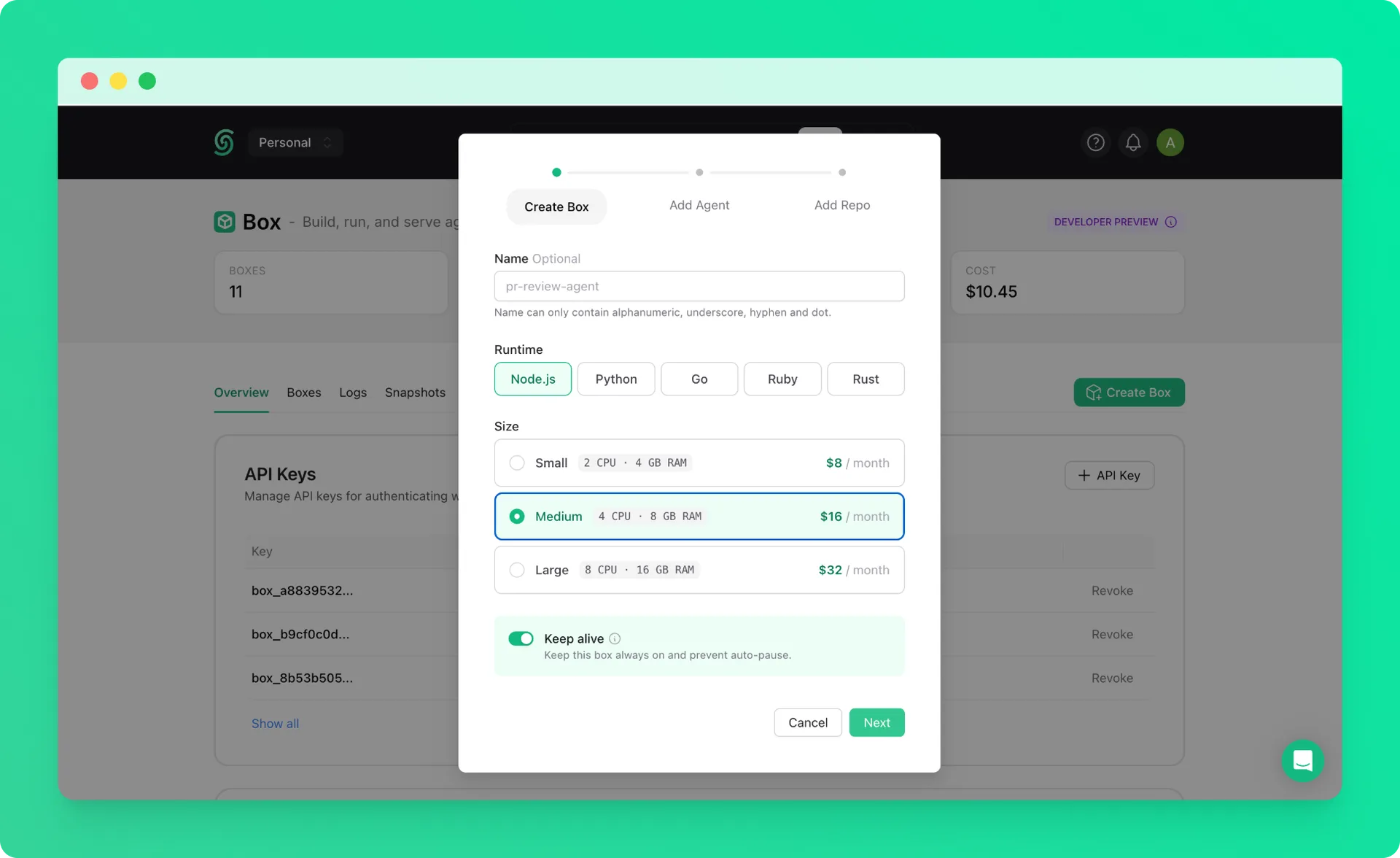
Create a keep-alive box with the Medium size. See the quickstart if you haven’t created one before.
Hermes is resource-intensive, so we recommend starting with a Medium box to ensure a smooth installation.
2. Connect via SSH#
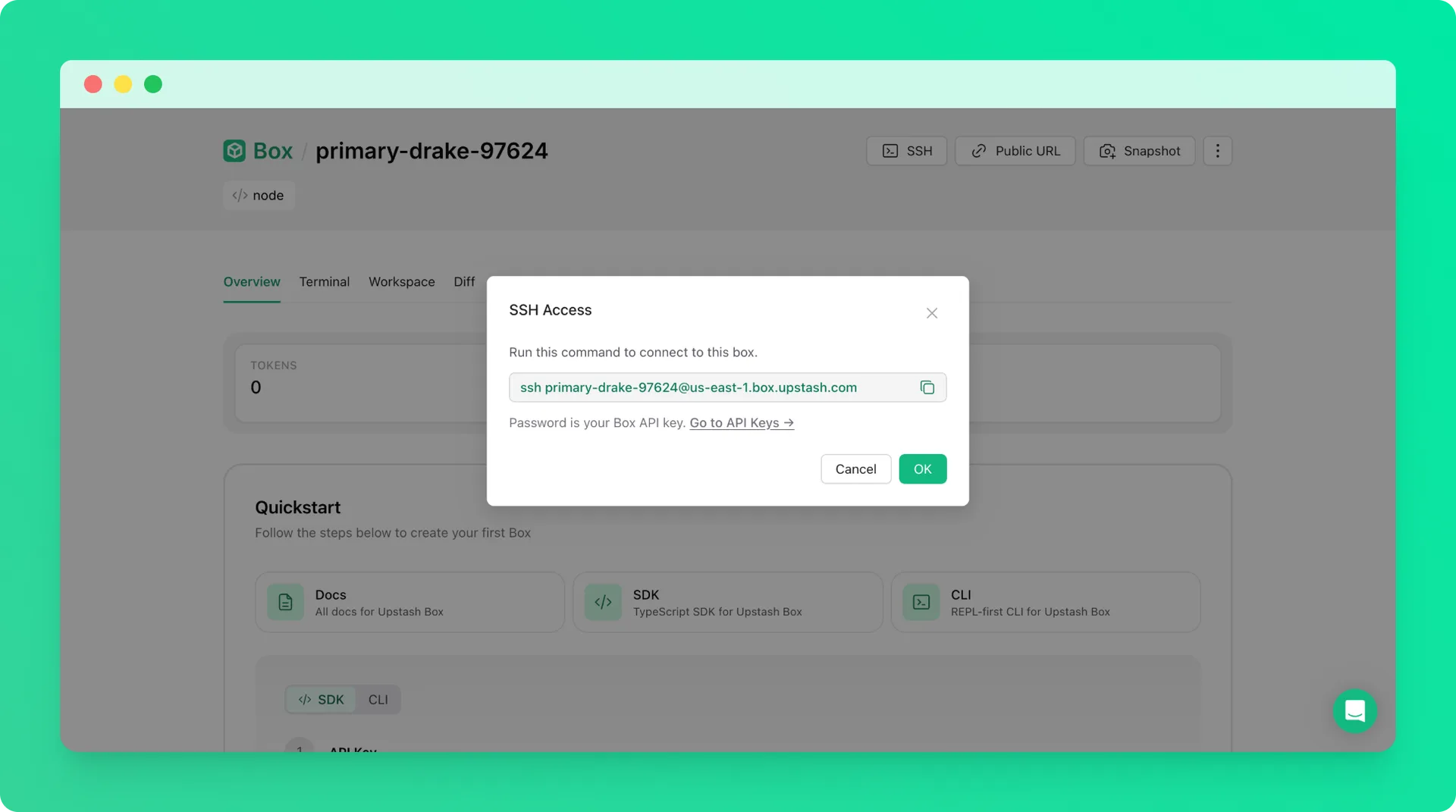
Once the box is running, connect to it via SSH from your terminal. Use your Box API key as the password when prompted.
The box-id is the name of your box (e.g. right-flamingo-14486).
3. Install Hermes#
Run the following command to download and install Hermes inside the box.
Follow the CLI prompts to complete the setup.
Congratulations! You have successfully set up Hermes on your Upstash Box.
4. Set Init Script for Auto-Restart#
To ensure Hermes restarts automatically if the box crashes, set the startup command as an init script from the Upstash Console.
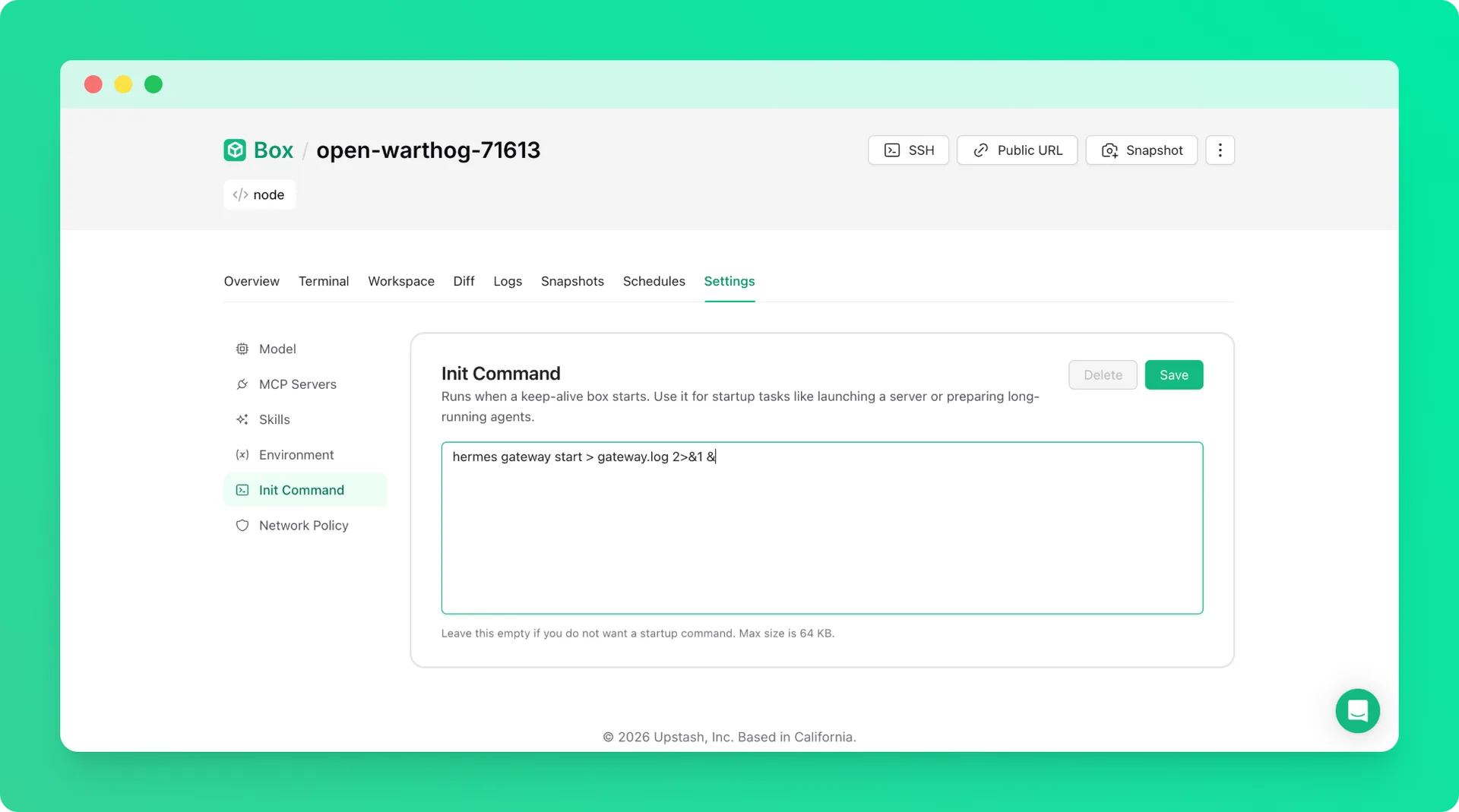
The init script to use:
This command runs automatically whenever the box starts, so your gateway is always available without manual intervention.