A First Look at Upstash Redis Search

We're launching Upstash Redis Search in the next 1-2 weeks, but I wanted to share some early thoughts on what we're building and why I'm excited about it.
Why we're building this
We've been in the search space since 2024, starting with Upstash Vector. Vector allowed people to implement semantic search, and then later we doubled down into this product space with Upstash Search.
For example, this is our launch tweet from 2025 announcing Upstash Search, our vector-based semantic search solution 👇
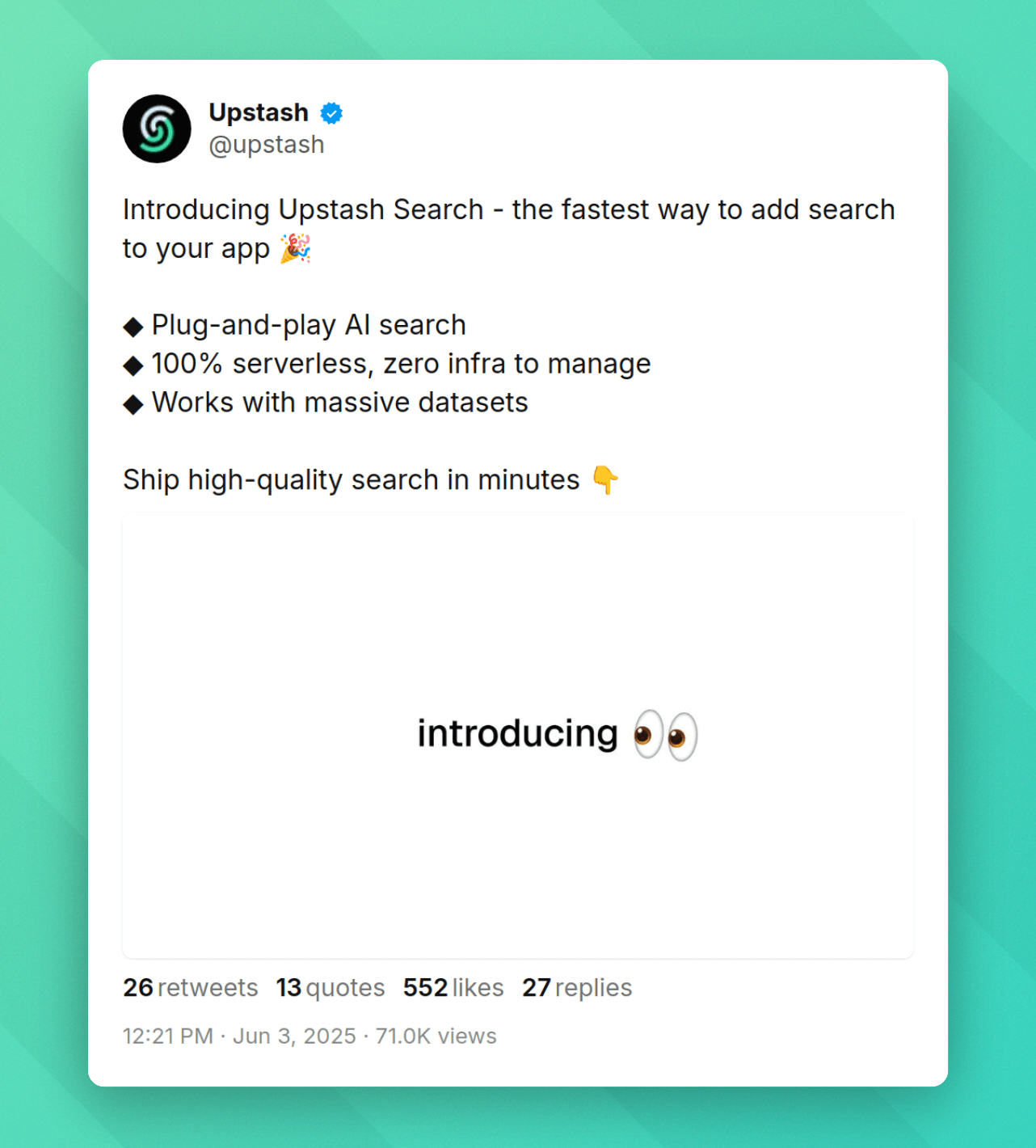
And I think we can do even better and build on our learnings from Search.
We're pretty unhappy with most existing search providers. To me personally, none of them really fit well into the serverless space. So much so that I even built my own search app based on AWS Cloudsearch back in 2023 💀
What we wanted was something that:
- Lives in Redis because Redis is fast af
- Works with the Upstash Redis SDK
- Is 100% type-safe
- Is fast enough for real-time search-as-you-type
So we're building it.
Our first extension beyond the Redis API
This is a big deal for us. Until now, @upstash/redis has been a near 1:1 mapping of Redis commands. Search is our first extension beyond that.
We're using Tantivy under the hood, a full-text search engine written in Rust that's inspired by Apache Lucene. It's fast. Really fast. And it gives us all the primitives we need like tokenization, stemming, fuzzy matching, phrase queries, and BM25 scoring.
The goal is to make this feel native to the SDK and Upstash Redis itself. If you're using @upstash/redis today, adding search should feel like a natural extension and not a separate product.
Type-safe schema builder
One thing I'm really happy with is the new schema builder. We define our searchable fields with a zod-like API:
import { Redis, s } from "@upstash/redis";

const redis = Redis.fromEnv();

const schema = s.object({
  name: s.string(),
  description: s.string(),
  sku: s.string().noTokenize(),
  brand: s.string().noStem(),
  price: s.number(),
  inStock: s.boolean(),
});

const products = await redis.search.createIndex({
  name: "products",
  dataType: "json",
  prefix: "product:",
  schema,
});
The .noTokenize() and .noStem() methods let us control how text is processed:
- Tokenization splits text into searchable words. Great for natural language, but breaks things like SKUs (
SKU-12345-BLKbecomes["SKU", "12345", "BLK"]). Disable it for codes, emails, and UUIDs. - Stemming reduces words to their root form so "running" matches "run". Disable it for brand names and proper nouns where we want exact matching.
The schema gives us full type inference on queries. If we try to query a field that doesn't exist, TypeScript will catch it. We're keeping the schema syntax very close to zod syntax so it feels familiar to use.
The query primitives
We're launching with five main operators that we think cover most search use cases:
$smart for smart matching
With the $smart operator we apply smart matching automatically. This operator should just work™ and be the best way for beginners to start.
await products.query({
  filter: {
    name: { $smart: "wirless headphones" },
  },
});
Under the hood, this runs:
- Exact phrase match (highest boost) - Documents with "wireless headphones" adjacent and in order
- Phrase with slop (medium boost) - Documents where words appear in order but not adjacent (e.g. wireless bose headphones)
- Terms match (medium boost) - Documents containing all terms, any order
- Fuzzy matching (no boost) - Documents with typos like "wireles headphone"
- Fuzzy prefix on last word (no boost) - For search-as-you-type scenarios
The scores are combined to get the most relevant results. For most search boxes, this is literally all you need. Of course you can implement this operator yourself and play around with settings, because it's built on the other primitive operators below.
$eq for exact equality
For fields where we want exact matching:
await products.query({
  filter: {
    name: { $eq: "wireless headphones" },
    price: { $eq: 200 },
  },
});
$phrase for phrase matching
When we need words to appear adjacent and in order:
await products.query({
  filter: { description: { $phrase: "noise cancelling" } },
});
We can also add slop to allow words in between:
await products.query({
  filter: {
    description: {
      $phrase: { value: "wireless headphones", slop: 2 },
    },
  },
});
$fuzzy for typo tolerance
For fuzzy matching with configurable typo tolerance (e.g. 2 typos):
await products.query({
  filter: { name: { $fuzzy: "headphonse", distance: 2 } },
});
$regex for pattern matching
For when we need regular expression patterns:
await products.query({
  filter: { sku: { $regex: "SKU-[0-9]{5}-.*" } },
});
One thing to note: regex works best on fields with .noStem() since stemmed text won't match expected patterns.
Boosting specific fields
We can apply boosts to weight certain matches higher:
await products.query({
  filter: {
    $and: [
      { name: { $smart: "wireless", $boost: 2 } },
      { description: { $smart: "wireless" } },
    ],
  },
});
This makes name matches worth twice as much as description matches. This is useful when we want title matches to rank above body matches.
What's next
All the things I put into this article are still open to change. We're still polishing the edges and writing docs. The official launch is in 1-2 weeks.
But I think it's really cool that we can take a first look together 👀
A few things we might explore after launch:
- Vector search integration (semantic + keyword hybrid search)
- Autocomplete and suggestions
If you want early access or have questions, reach out to me @joshtriedcoding.
Thanks for reading 🙌
https://upstash.com/start-redis - no signup required.Upstash runs Redis as a serverless database - create one in seconds and pay only per request. Explore Upstash Redis →