Upstash Prod Pack: Enterprise-Grade Redis for $200/month

Last year, we introduced a new add-on for Redis called Prod Pack.
Prod Pack is a $200/month add-on for any paid Redis database (or now also QStash instances). You keep your existing Pay-as-you-go or Fixed plan, and Prod Pack adds production-ready features on top.
The difference between Prod Pack and Enterprise: Prod Pack is per-database, Enterprise is per-account. If you have ten databases but only two handle critical traffic, you can enable Prod Pack on just those two. Enterprise customers get all Prod Pack features across everything.
You can find the option to upgrade to Prod Pack at the top right of any paid database:
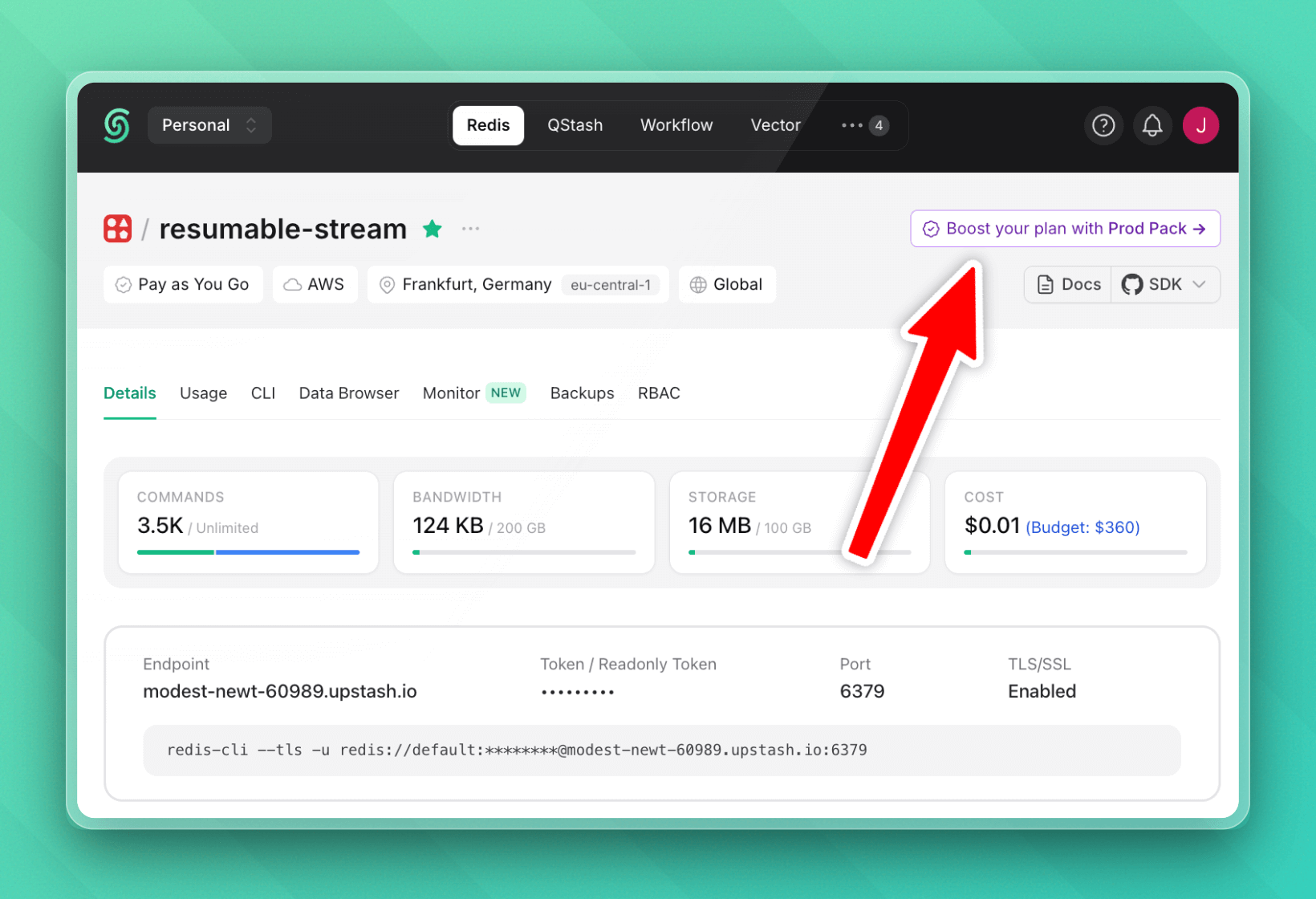
We provide a brief summary of the features in the modal that opens, and in this article I want to elaborate on those and summarize exactly what Prod Pack means:
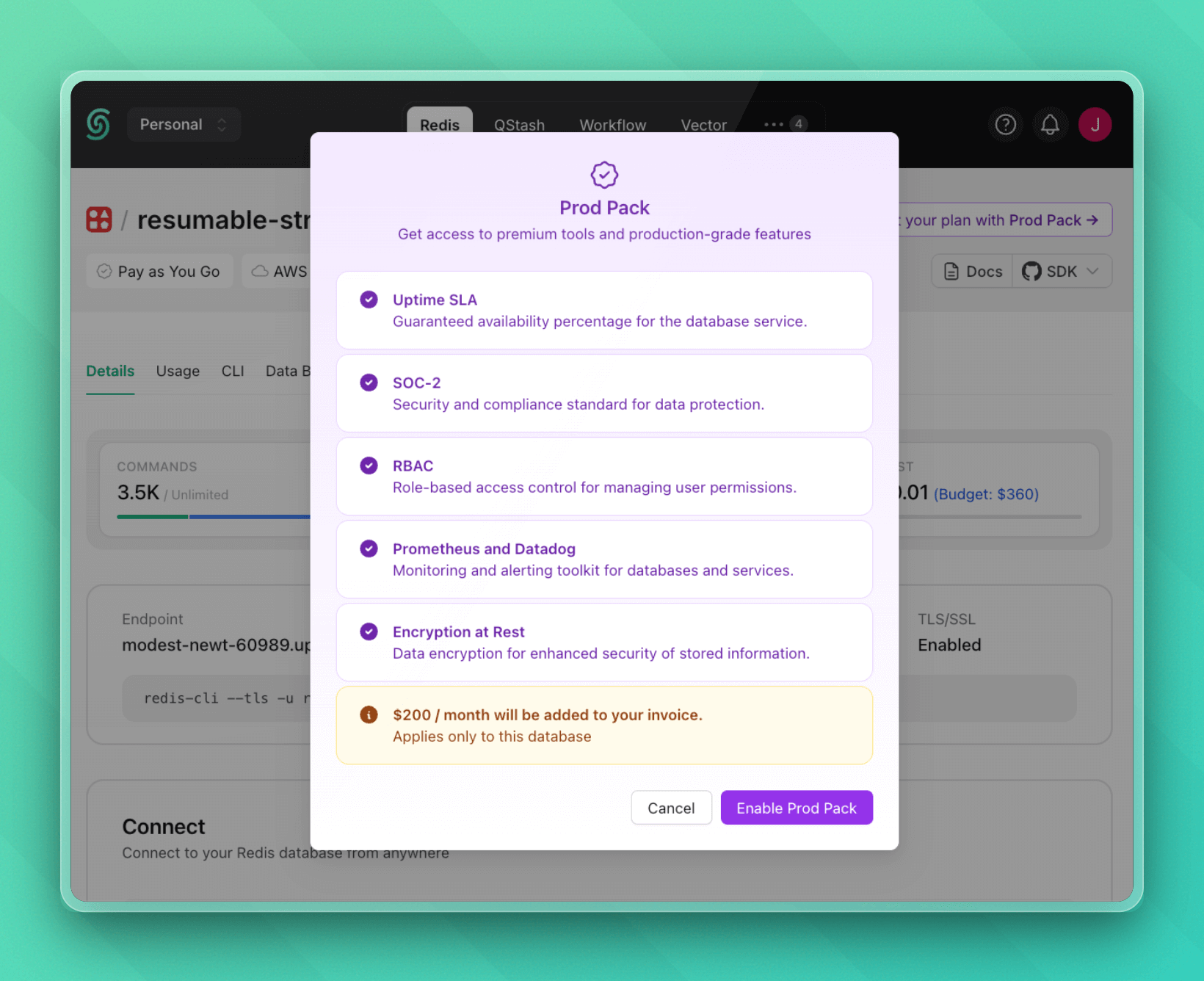
The Uptime SLA
Prod Pack comes with a 99.99% uptime SLA. That's about 4 minutes of downtime per month, max.
If you're building something where downtime costs you money or trust, this matters (a lot). We take direct responsibility for keeping your database available. If we miss the SLA target, you get credits back.
SOC 2 Type 2 Compliance
Some companies need to see compliance reports before they can use a service. With Prod Pack, you get access to our SOC 2 Type 2 report through our trust center.
If you're selling to enterprises or handling sensitive data, they'll often ask for this. Prod Pack gives you the documentation to share with them.
High Availability for Read Regions
If you're using global databases with read replicas, Prod Pack makes your read regions highly available. Instead of one replica per region, you get multiple. If one fails, we route traffic to another in the same region automatically.
Without this extra availability, a replica failure means increased latency as requests go to a different region. With it, failover stays in the same region and your users don't notice.
Encryption at Rest
When you connect to an Upstash Redis database, your connection is encrypted with TLS. Your data is protected while it travels over the network. That's encryption in transit.
With Prod Pack, the block storage where Redis persists your data is encrypted. If someone somehow got physical access to the storage hardware, or if a disk was decommissioned improperly, they'd see encrypted bytes instead of your actual data.
This can be very helpful for:
- Compliance requirements: Many security frameworks (SOC 2, HIPAA, PCI-DSS) require encryption at rest. If you're going through a security audit, they'll ask about this.
- Defense in depth: Security works in layers. TLS protects data in motion, encryption at rest protects data at rest.
- Data center risks: Cloud providers do a good job securing their infrastructure, but encryption at rest is an extra guarantee that your data stays private even in edge cases.
For most apps, you might never think about this. But if you're storing anything sensitive (user data, payment info, health records), encryption at rest makes sense.
Better Backups
All plans support daily backups with 1-day retention. Prod Pack extends this to 3 days of retention.
The extra retention gives you more flexibility for recovery. If you want to restore to a state from a few days ago, you can. If you're an enterprise customer, you can request hourly backups with custom retention periods if you need even finer recovery points.
Advanced Monitoring
With Prod Pack, we offer two additional monitoring integrations:
-
Prometheus: Export metrics to your existing Prometheus setup. Track your Redis databases alongside everything else you're already monitoring.
-
Datadog: We now have a native Datadog integration! You can set up dashboards, alerts, and correlate Redis metrics with the rest of your infrastructure.
Also, with Prod Pack, the Upstash Console keeps metrics for a full month instead of one week.
Credential Protection
I think this is also worth calling out separately. When you enable credential protection, your database credentials never touch our infrastructure. You see them once when you enable the feature, and that's it.
The tradeoff is that certain console features that need database access won't work. But for high-security environments, that's probably reasonable.
If you disable credential protection later, it revokes the old credentials and generates new ones. There is no way to recover the old ones.
Who Needs Prod Pack?
We recommend Prod Pack if:
- Your database powers customer-facing features (like session storage, shopping carts, or live updates)
- Downtime costs you money
- You need compliance documentation
- Multiple teams access your databases
- You're running in multiple regions
- You need to integrate with your existing monitoring stack
You probably don't need it if:
- You're still in development
- Your database is for caching non-critical data
- You have simple access patterns
- You don't need formal SLAs
How to Enable Prod Pack
Go to your database details page in the console. There's an option to enable Prod Pack right there. It's $200/month added to your existing database costs.
This is a per-database add-on, so you can choose it only for the databases that need it.
Prod Pack vs Enterprise
If you need Prod Pack on multiple databases, Enterprise might make more sense financially. Enterprise gives you all Prod Pack features across all databases, plus:
- Custom resource limits
- SAML SSO
- Unlimited databases
- Professional support with response time SLAs
- VPC peering and private links
- Dedicated resources
- HIPAA compliance
- Access logs
Enterprise pricing is custom based on your needs. Reach out to us if you're at that scale.
If you have additional requirements or suggestions for your use-case, reach out to us on our website!
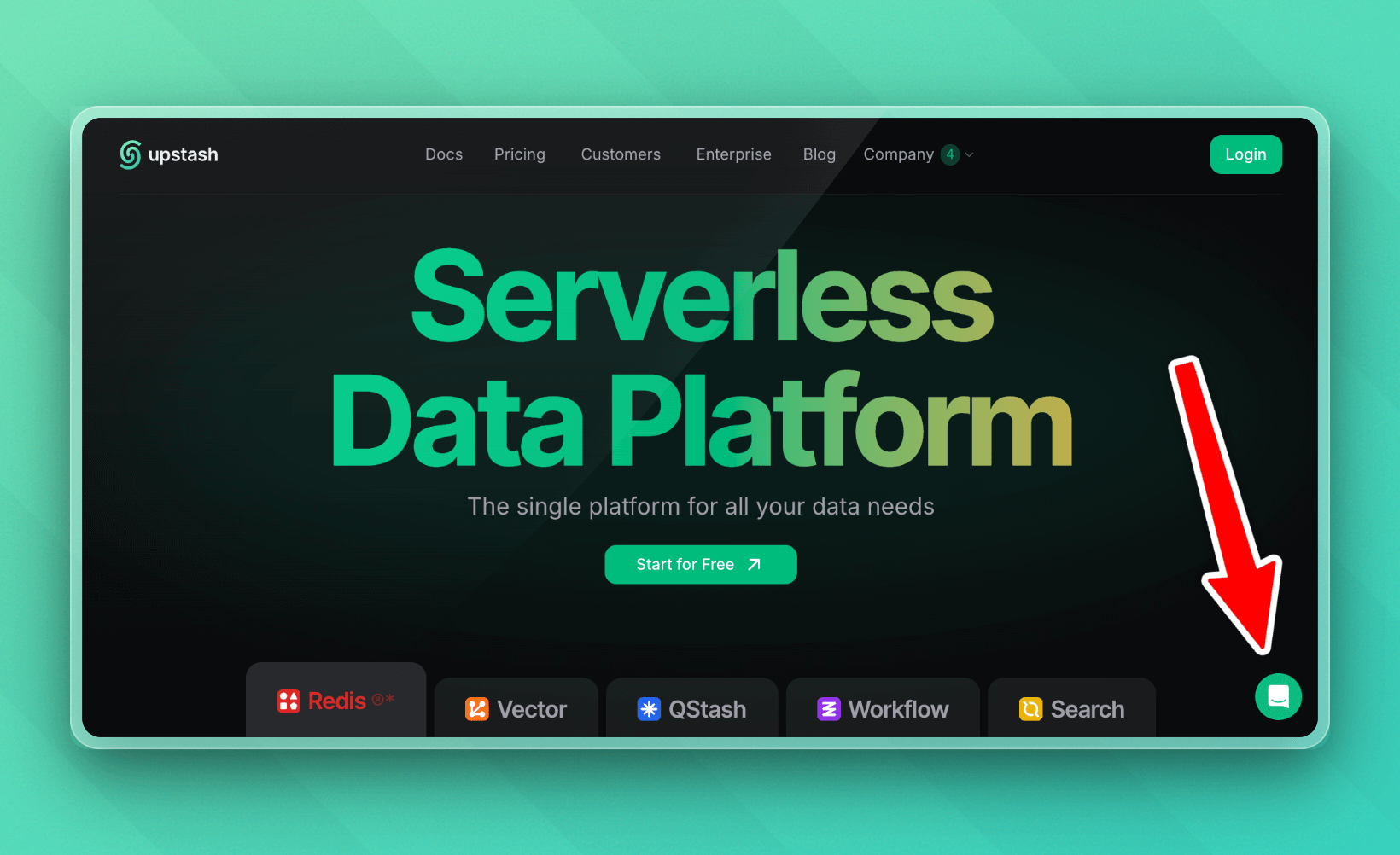
You can do so by clicking the bottom right intercom button; it will connect you directly to one of our human support agents.
Appreciate you for reading 🙌
https://upstash.com/start-redis - no signup required.Upstash runs Redis as a serverless database - create one in seconds and pay only per request. Explore Upstash Redis →