Give AI SDK agents a computer: Filesystem, Shell and Git

We recently introduced Upstash Box, the easiest way to give your AI agent a computer. Each box is an isolated cloud container with a filesystem, shell, and git access.
This works perfectly with AI SDK v6 or any other version.
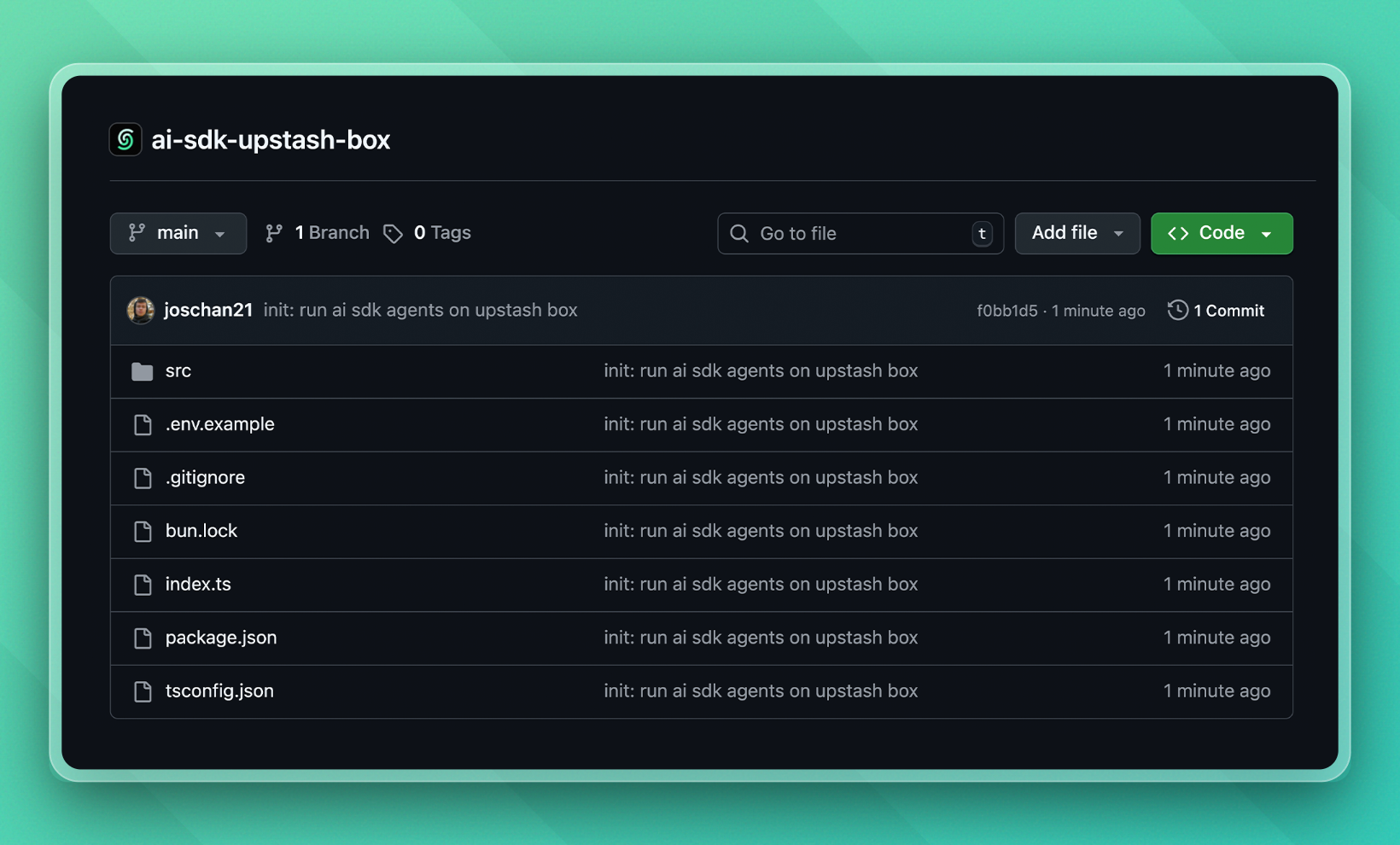
We're working to make Upstash Box the best way to give your AI SDK agents a secure, isolated environment to work in. By the way, there's a minimal example on Run AI SDK agents in a cloud sandbox - GitHub repo, too 👇
1. Create the agent
In a file called ai.ts (call this however you want), let's define our agent written with AI SDK v6:
import { createAnthropic } from "@ai-sdk/anthropic";
import { generateText } from "ai";

const anthropic = createAnthropic({
  apiKey: process.env.ANTHROPIC_KEY,
});

async function main() {
  const result = await generateText({
    model: anthropic("claude-sonnet-4-6"),
    prompt: "Which environment are you running in?",
  });

  console.log({ result });
}

main();
This can be agent any with any tools you want. Use the AI SDK exactly as you normally would here, there are no restrictions to run an agent with Upstash Box.
2. Sandboxing our agent
This is as easy as the previous step. As our sandbox, we're going to use Upstash Box.
Normally, each Upstash Box already comes with Claude Code, Codex or OpenCode built-in. But we can also bring our own agent instead, for example with the AI SDK.
Let's see the code and then let me explain:
import { Box } from "@upstash/box";
import "dotenv/config";

// 1️⃣ Create our sandbox
const box = await Box.create({
  runtime: "node",
  env: { ANTHROPIC_KEY: process.env.ANTHROPIC_KEY! },
});

// 2️⃣ Set up environment, only needed once
await box.exec.command("npm init -y");
await box.exec.command("npm pkg set type=module");

await box.exec.command("npm install ai @ai-sdk/anthropic");
await box.files.upload([{ path: "dist/ai.js", destination: "src/ai.js" }]);

// 3️⃣ Once set up, we can directly run the agent in the future
const result = await box.exec.command("node src/ai.js");
The environment set-up is only needed one time. After that, we can call our sandboxed agent directly, for example when a user makes a request to our API:
const box = await Box.get("pumped-tiger-61937");

const result = await box.exec.command("node src/ai.js");
We give the box our Anthropic API key while creating it, so the AI SDK has access to it. I'm naming it ANTHROPIC_KEY on purpose, because currently ANTHROPIC_API_KEY is a reserved environment name for Upstash Box. We're working to remove this.
We install all packages our AI SDK script needs to run properly. Lastly, we upload the ai.js script to the box, so we can run it whenever we want.
3. Deployment
To deploy, we want to compile our TypeScript ai.ts into a JavaScript file using tsc (TypeScript compile, a built-in TypeScript command). Then we upload the JavaScript file to our sandbox.
You could totally upload the TypeScript file and execute it directly in the sandbox using tsx. But we don't need type-safety in a sandbox, so we go with the more lightweight version.
I created this as a script so its even easier to run:
{
  "name": "cloud-ai-sdk-agent",
  "module": "index.ts",
  "type": "module",
  "private": true,
  "scripts": {
    "deploy": "tsc && tsx index.ts"
  },
  "devDependencies": {
    "@types/bun": "latest",
    "dotenv": "^17.3.1",
    "tsx": "^4.21.0"
  },
  "peerDependencies": {
    "typescript": "^5"
  },
  "dependencies": {
    "@ai-sdk/anthropic": "^3.0.58",
    "@opencode-ai/plugin": "^1.2.15",
    "@upstash/box": "^0.1.26",
    "ai": "^6.0.116",
    "zod": "^3.24.2"
  }
}
And this is my tsconfig:
{
  "compilerOptions": {
    "lib": ["ESNext"],
    "target": "ESNext",
    "module": "ESNext",
    "moduleDetection": "force",
    "jsx": "react-jsx",
    "allowJs": true,
    "moduleResolution": "bundler",
    "allowImportingTsExtensions": false,
    "verbatimModuleSyntax": true,
    "noEmit": false,
    "outDir": "dist",
    "rootDir": "src",

    "strict": true,
    "skipLibCheck": true,
    "noFallthroughCasesInSwitch": true,
    "noUncheckedIndexedAccess": true,

    "noUnusedLocals": false,
    "noUnusedParameters": false,
    "noPropertyAccessFromIndexSignature": false
  },
  "include": ["src"]
}
4. We have a cloud AI SDK agent!
After running our script, we have a working cloud agent with full and secure filesystem, git and shell access. Run any code or task, no matter how risky it might be.
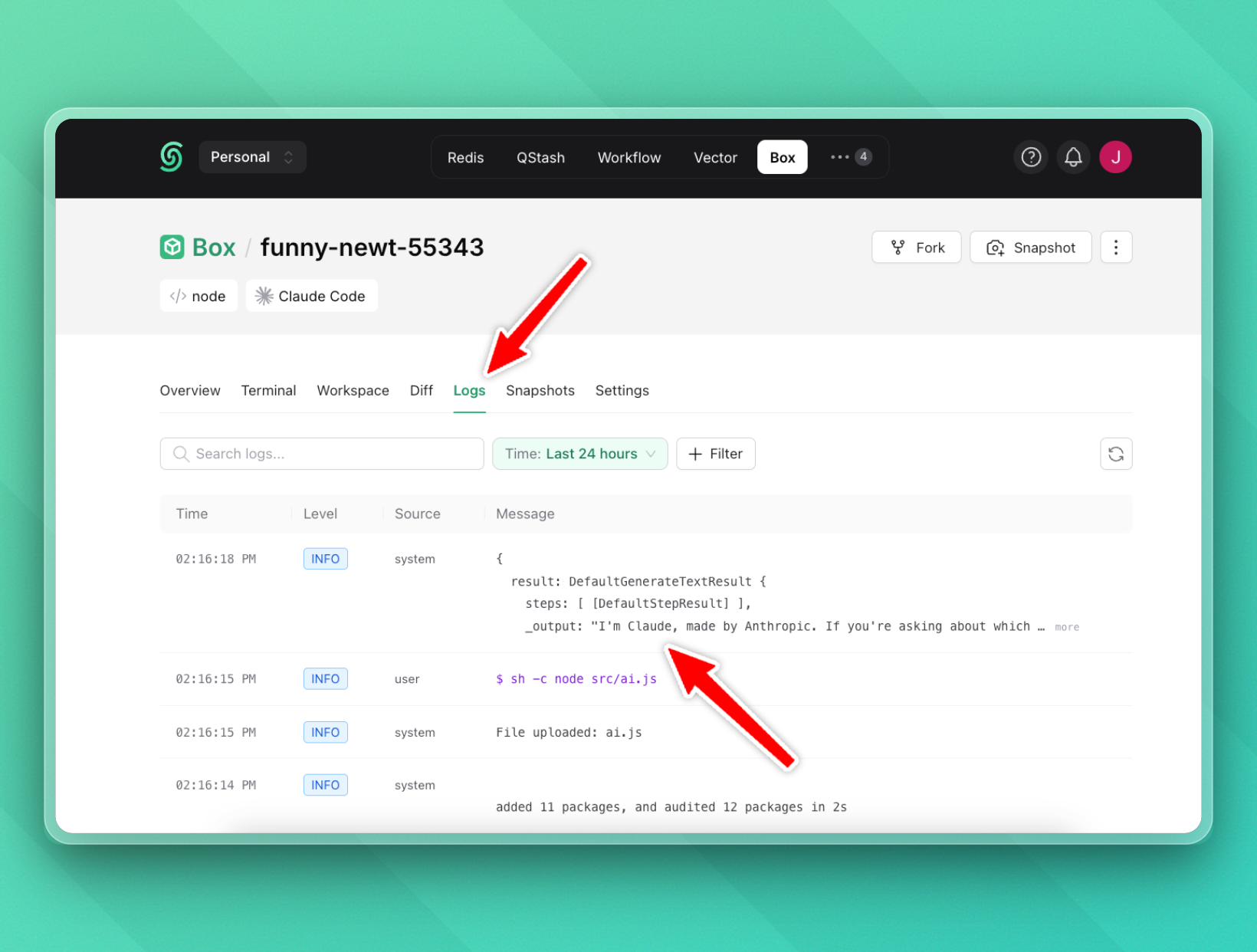
We can confirm our agent is working in the Upstash Box logs:
5. Dynamic prompts
Since we're running a script inside the box, we can inject any prompt we want. For example, let's say you have a Next.js API route that receives a user prompt and runs the agent in a sandbox:
import { createAnthropic } from "@ai-sdk/anthropic";
import { generateText } from "ai";

const anthropic = createAnthropic({
  apiKey: process.env.ANTHROPIC_KEY,
});

async function main() {
  const result = await generateText({
    model: anthropic("claude-sonnet-4-6"),
    prompt: process.env.AGENT_PROMPT!,
  });

  console.log(result);
}

main();
Now in our Next.js route handler, we pass the user's prompt as an environment variable when executing the agent:
import { Box } from "@upstash/box";

export async function POST(req: Request) {
  const { prompt } = await req.json();

  const box = await Box.get("pumped-tiger-61937");

  const result = await box.exec.command(
    `AGENT_PROMPT="${prompt}" node src/ai.js`,
  );

  return Response.json({ result });
}
Each request runs in the same isolated sandbox, and you have full control over what the agent sees and does. Pass in tools, context, files, whatever your agent needs.
Of course, you can also create a snapshot of the base environment with all packages already installed, and spin up a new box from it for every request. That way, you'd get a clear filesystem every time.
A note on security:
- For the dynamic prompt, the user's prompt is interpolated into a shell string. I think this example gets the point across well, but in production we want to avoid this. Instead, we can write the prompt to Upstash Redis and read it from inside the sandbox.
- In this example, the Anthropic key is passed as an environment variable, which means code running inside the sandbox can read it. Upstash Box hides API keys for built-in agents (Claude Code, Codex), but custom agent keys set via
envare currently accessible. We're working on a mechanism to create hidden credentials.
Cheers for reading! 🙌 I hope you enjoyed this article!
Josh