> ## Documentation Index
> Fetch the complete documentation index at: https://upstash.com/docs/llms.txt
> Use this file to discover all available pages before exploring further.
# Monitor & Manage
You can monitor wait list size of your flow control key's from the console `FlowControl` tab. The console also allows you to pin, unpin, and reset rate for flow control keys directly.
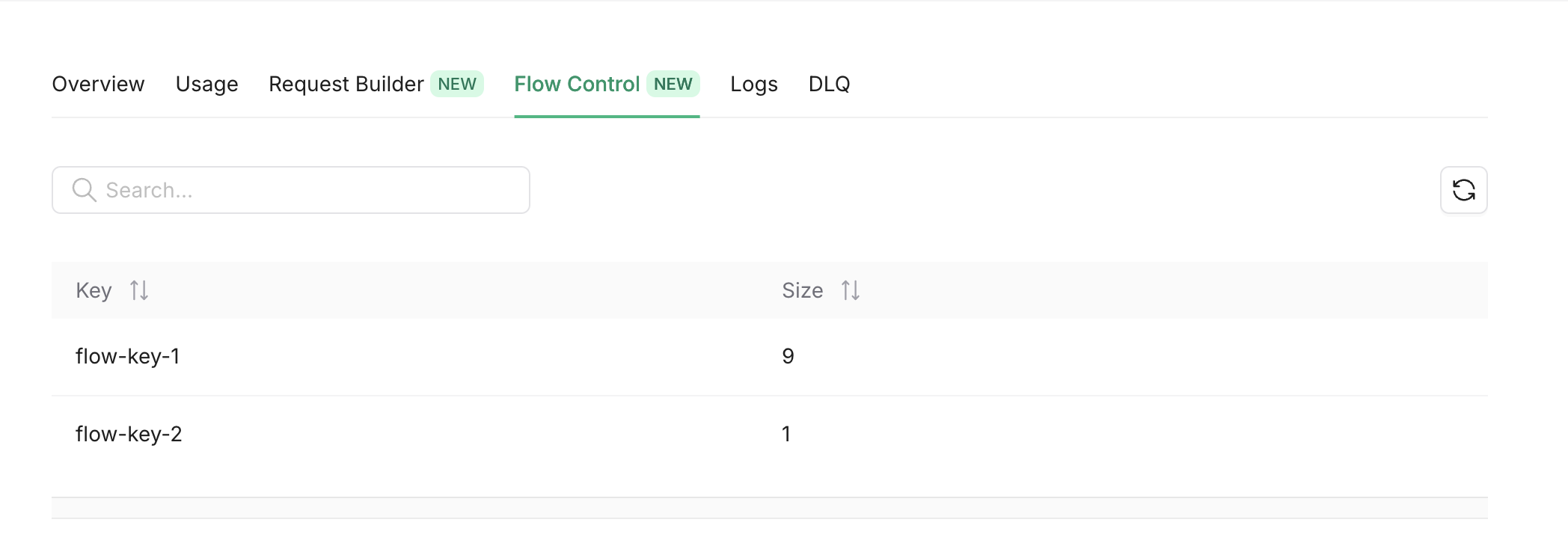 Also you can get the same info using the REST API.
* [List All Flow Control Keys](/workflow/api-reference/flow-control/list-flow-control-keys).
* [Single Flow Control Key](/workflow/api-reference/flow-control/get-flow-control-key).
* [Global Parallelism](/workflow/api-reference/flow-control/get-global-parallelism).
## Manage
You can manage flow control keys by pausing/resuming delivery, pinning/unpinning configurations, and resetting rate counts.
These operations are available via the SDK, REST API, or directly from the **Flow Control** tab in the [Upstash Console](https://console.upstash.com).
Since Upstash Workflow uses QStash under the hood, flow control management is done through the QStash client. See the [QStash Flow Control Management API](/qstash/features/flowcontrol#management-api) for full details and code examples.
Also you can get the same info using the REST API.
* [List All Flow Control Keys](/workflow/api-reference/flow-control/list-flow-control-keys).
* [Single Flow Control Key](/workflow/api-reference/flow-control/get-flow-control-key).
* [Global Parallelism](/workflow/api-reference/flow-control/get-global-parallelism).
## Manage
You can manage flow control keys by pausing/resuming delivery, pinning/unpinning configurations, and resetting rate counts.
These operations are available via the SDK, REST API, or directly from the **Flow Control** tab in the [Upstash Console](https://console.upstash.com).
Since Upstash Workflow uses QStash under the hood, flow control management is done through the QStash client. See the [QStash Flow Control Management API](/qstash/features/flowcontrol#management-api) for full details and code examples.