> ## Documentation Index
> Fetch the complete documentation index at: https://upstash.com/docs/llms.txt
> Use this file to discover all available pages before exploring further.
# Flowise with Upstash Vector and Redis
Flowise is an open source low-code tool for developers to build customized LLM orchestration flows & AI agents. With Upstash Vector and Upstash Redis, you can extend your Flowise flows to include semantic search, caching, and conversation memory.
## Install
To get started, you can install Flowise locally using npm. Run:
```bash theme={"system"}
npm install -g flowise
```
Start Flowise:
```bash theme={"system"}
npx flowise start
```
Open: [http://localhost:3000](http://localhost:3000)
You also need to set up Upstash services:
1. Create a **Vector Index** in the [Upstash Console](https://console.upstash.com/vector). To learn more about index creation, you can check out [this page](https://docs.upstash.com/vector/overall/getstarted).
2. Create a **Redis Database** in the [Upstash Console](https://console.upstash.com/redis). To learn more about Redis database creation, you can check out [this page](/redis/overall/getstarted).
## Nodes Overview
Flowise supports multiple Upstash integrations. Below are the nodes and their functionalities:
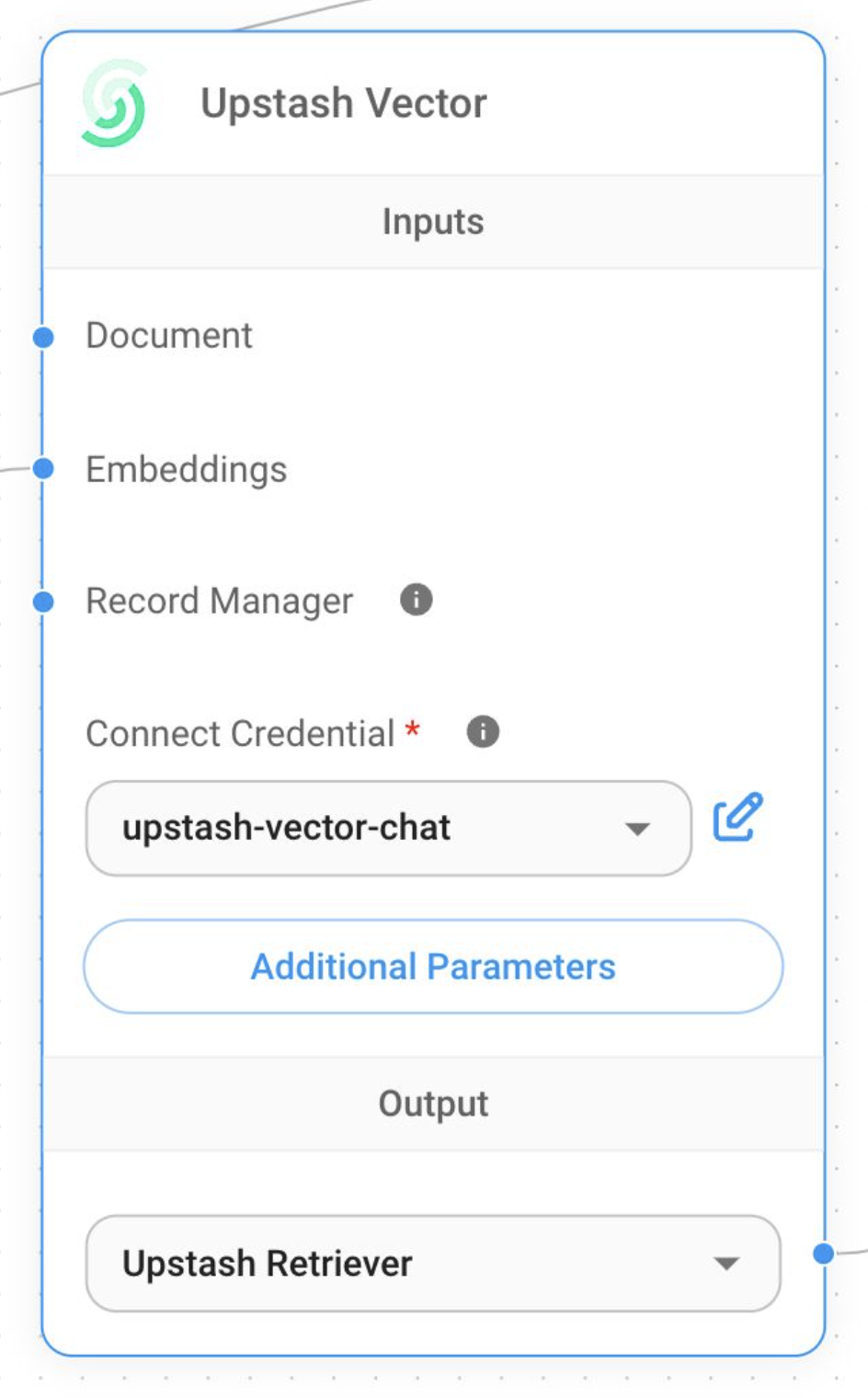
### 1. Upstash Vector Node
Use the **Upstash Vector** node to perform semantic search and store document embeddings. Connect the node to document loaders and embedding components for indexing and querying.
 ### 2. Upstash Redis Cache Node
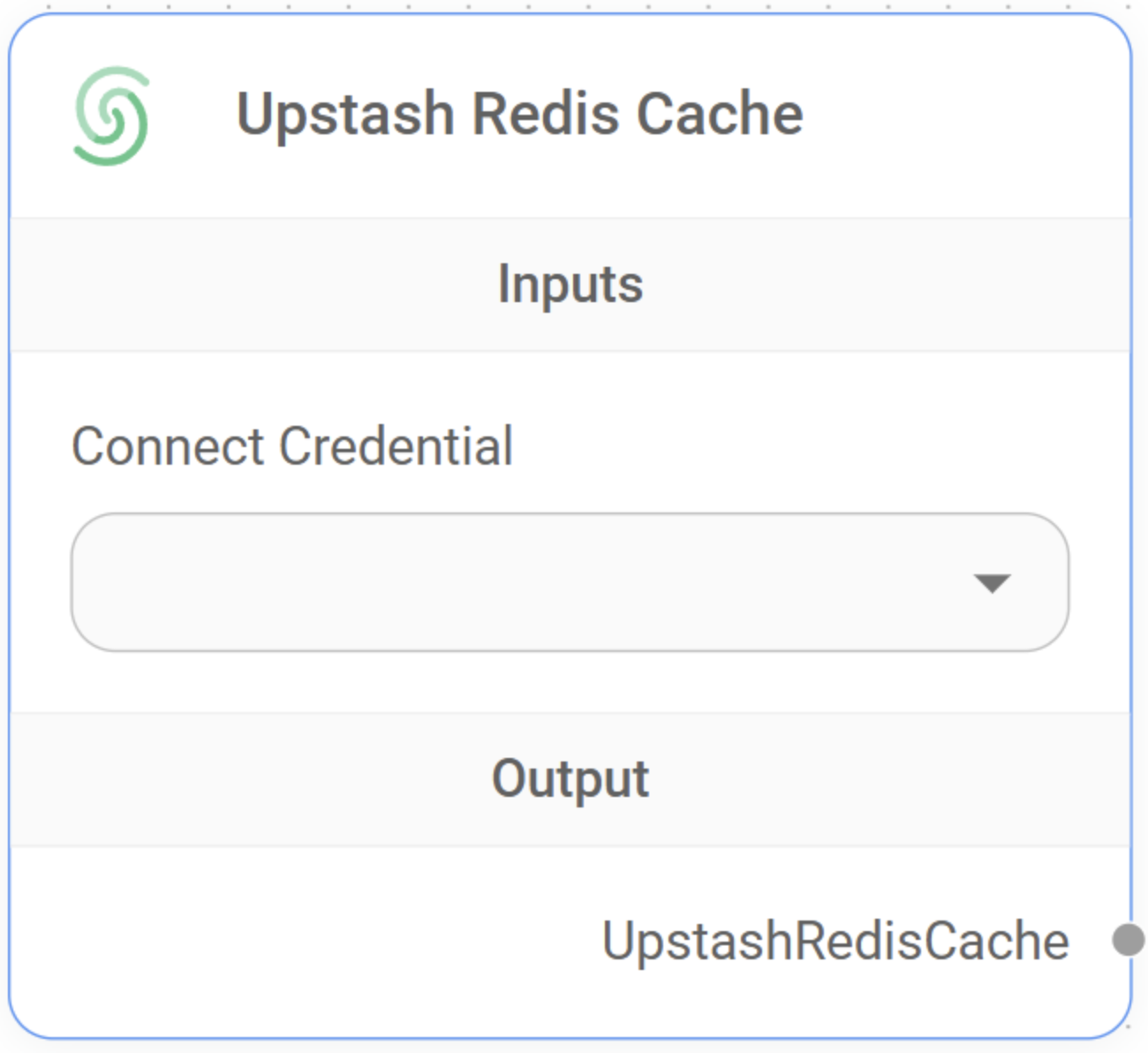
The **Upstash Redis Cache** node caches LLM responses in a serverless Redis database.
### 2. Upstash Redis Cache Node
The **Upstash Redis Cache** node caches LLM responses in a serverless Redis database.
 ### 3. Upstash Redis-Backed Chat Memory Node
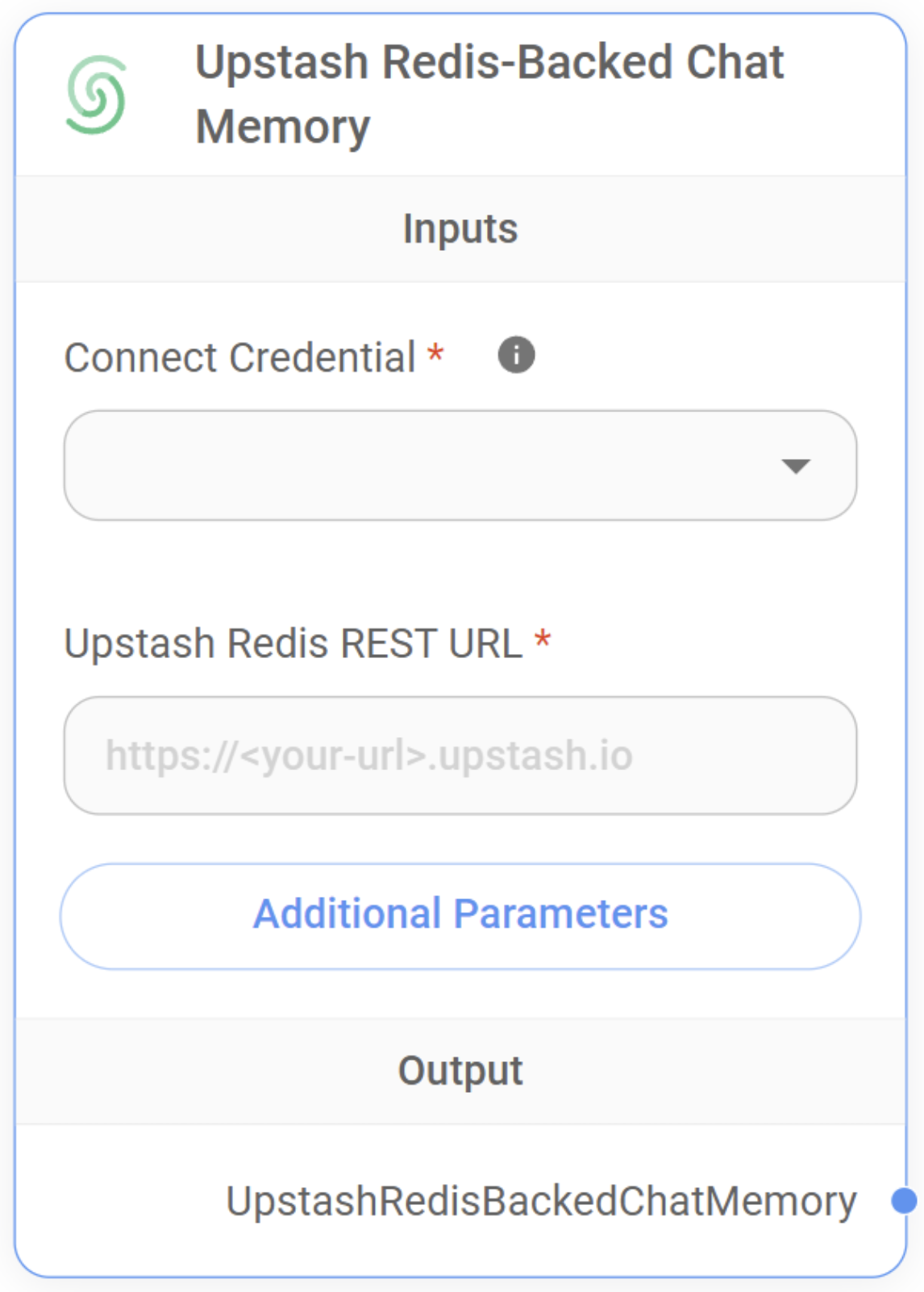
The **Upstash Redis-Backed Chat Memory** node summarizes conversations and stores the memory in Redis. This enables persistent, context-aware interactions across multiple sessions.
### 3. Upstash Redis-Backed Chat Memory Node
The **Upstash Redis-Backed Chat Memory** node summarizes conversations and stores the memory in Redis. This enables persistent, context-aware interactions across multiple sessions.
 ## Example Flow
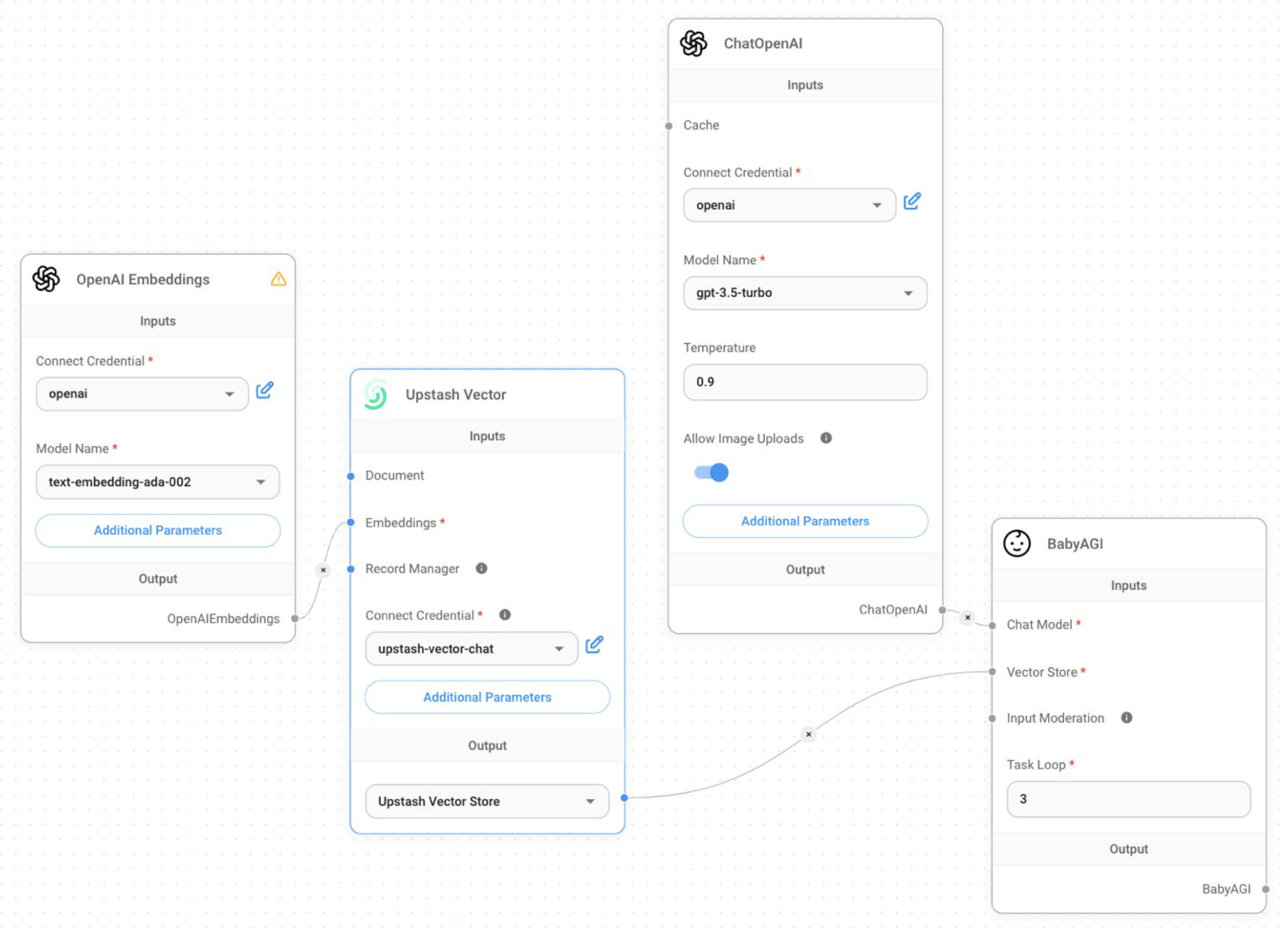
Below is an example flow using Upstash Vector:
## Example Flow
Below is an example flow using Upstash Vector:
 ## Learn More
For more details, visit the [Flowise documentation](https://docs.flowiseai.com/).
## Learn More
For more details, visit the [Flowise documentation](https://docs.flowiseai.com/).