> ## Documentation Index
> Fetch the complete documentation index at: https://upstash.com/docs/llms.txt
> Use this file to discover all available pages before exploring further.
# Getting Started
Using Upstash API, you can develop applications that can create and manage
Upstash products and resources. You can automate everything that
you can do in the console. To use developer API, you need to create an API key
in the console.
The Developer API is only available to native Upstash accounts. Accounts created via third-party platforms like Vercel or Fly.io are not supported.
### Create an API key
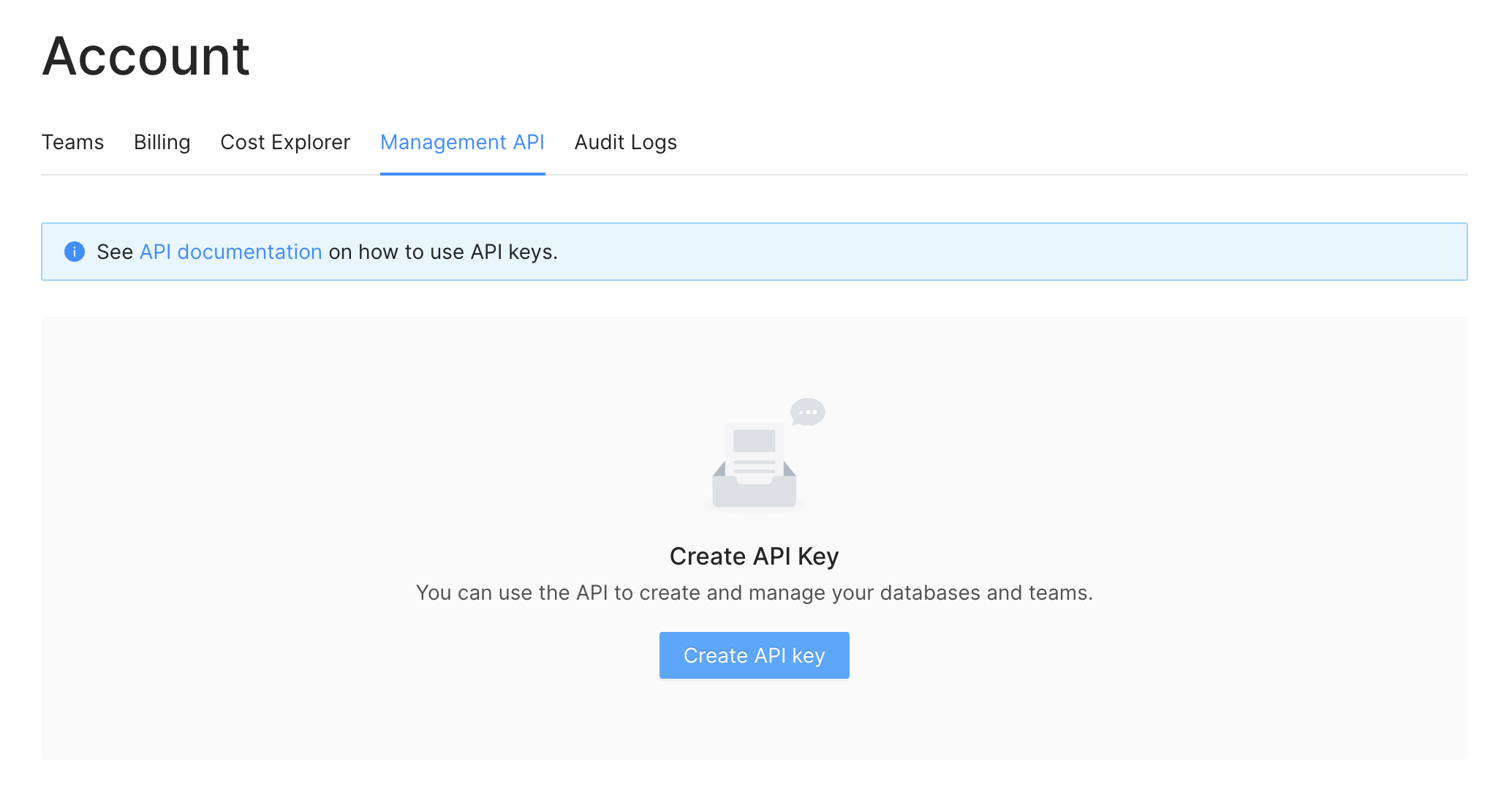
1. Log in to the console then in the left menu click the
`Account > Management API` link.
2. Click the `Create API Key` button.
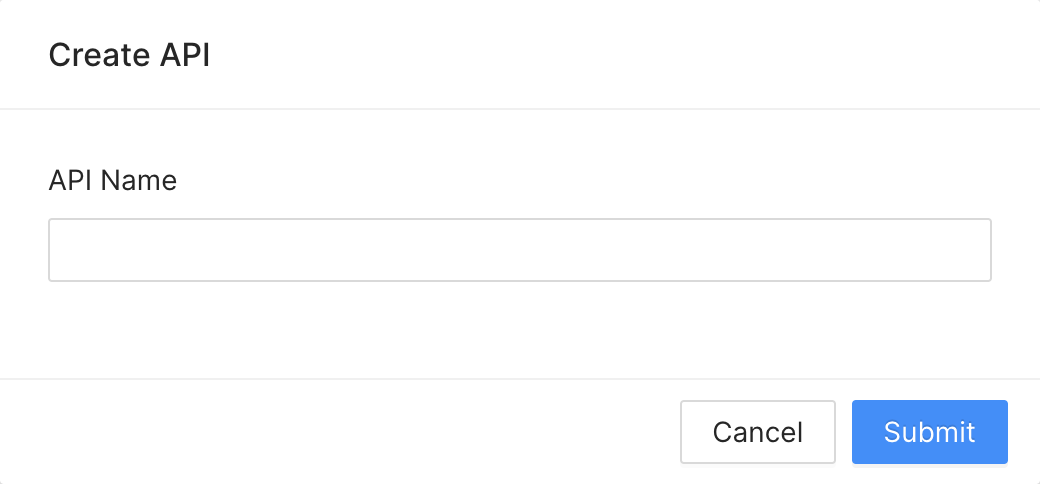
 3. Enter a name for your key. You can not use the same name for multiple keys.
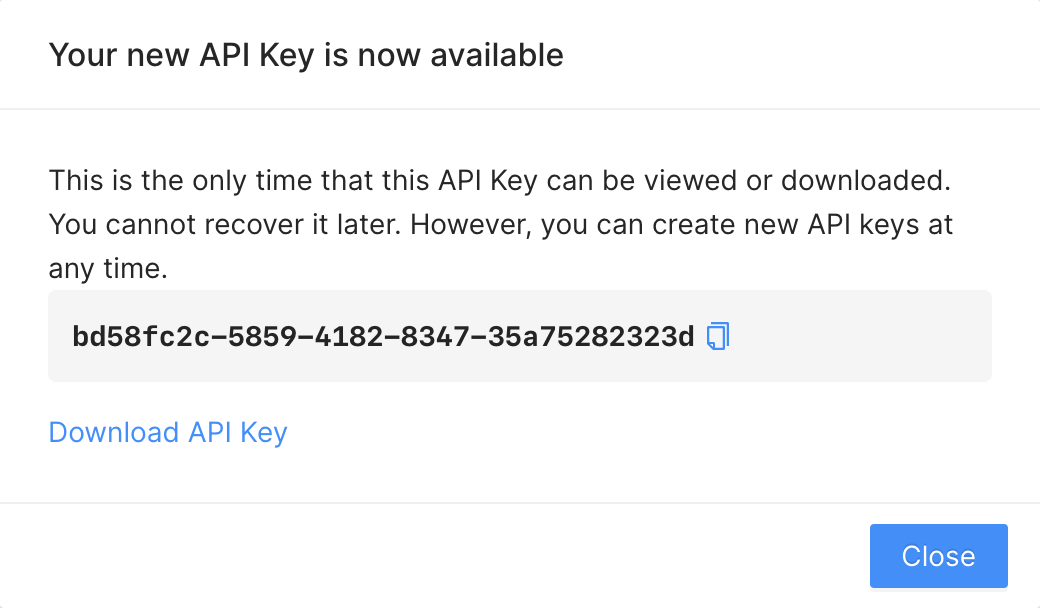 You need to download or copy/save your API key. Upstash does not remember or
keep your API for security reasons. So if you forget your API key, it becomes
useless; you need to create a new one.
You need to download or copy/save your API key. Upstash does not remember or
keep your API for security reasons. So if you forget your API key, it becomes
useless; you need to create a new one.
You can create multiple keys. It is recommended to use different keys in
different applications. By default one user can create up to 37 API keys. If you
need more than that, please send us an email at
[support@upstash.com](mailto:support@upstash.com)
### Deleting an API key
When an API key is exposed (e.g. accidentally shared in a public repository) or
not being used anymore; you should delete it. You can delete the API keys in
`Account > API Keys` screen.
### Roadmap
**Role based access:** You will be able to create API keys with specific
privileges. For example you will be able to create a key with read-only access.
**Stats:** We will provide reports based on usage of your API keys.