> ## Documentation Index
> Fetch the complete documentation index at: https://upstash.com/docs/llms.txt
> Use this file to discover all available pages before exploring further.
# AWS Marketplace
**Prerequisite**
You need an Upstash account before subscribing on AWS, create one
[here](https://console.upstash.com).
Upstash is available on the AWS Marketplace, which is particularly beneficial for users who already get other services from AWS Marketplace and can consolidate Upstash under a single bill.
You can search "Upstash" on AWS Marketplace or just click [here](https://aws.amazon.com/marketplace/pp/prodview-fssqvkdcpycco).
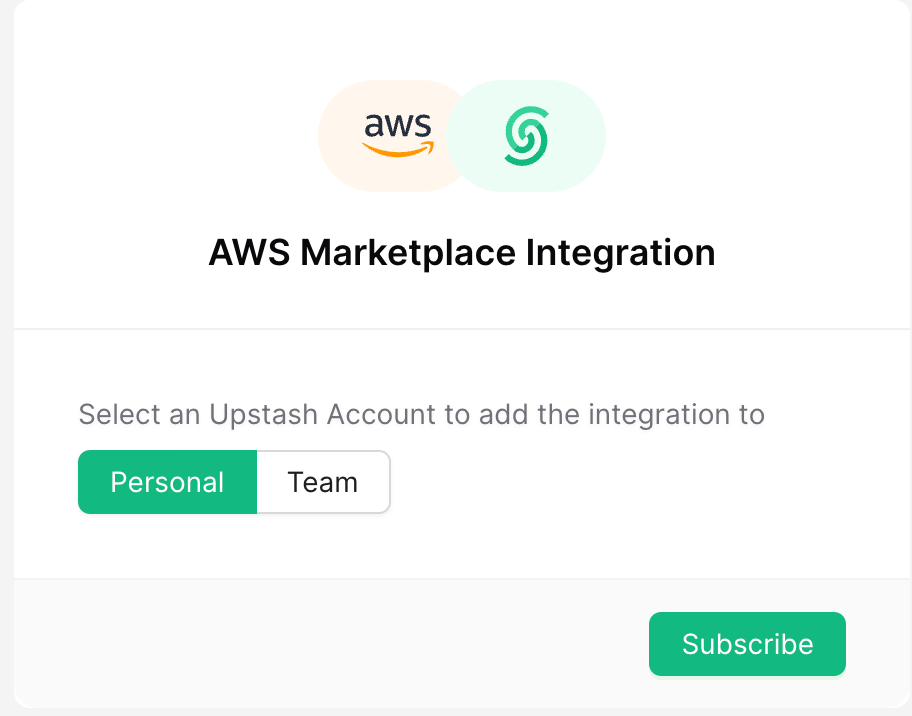
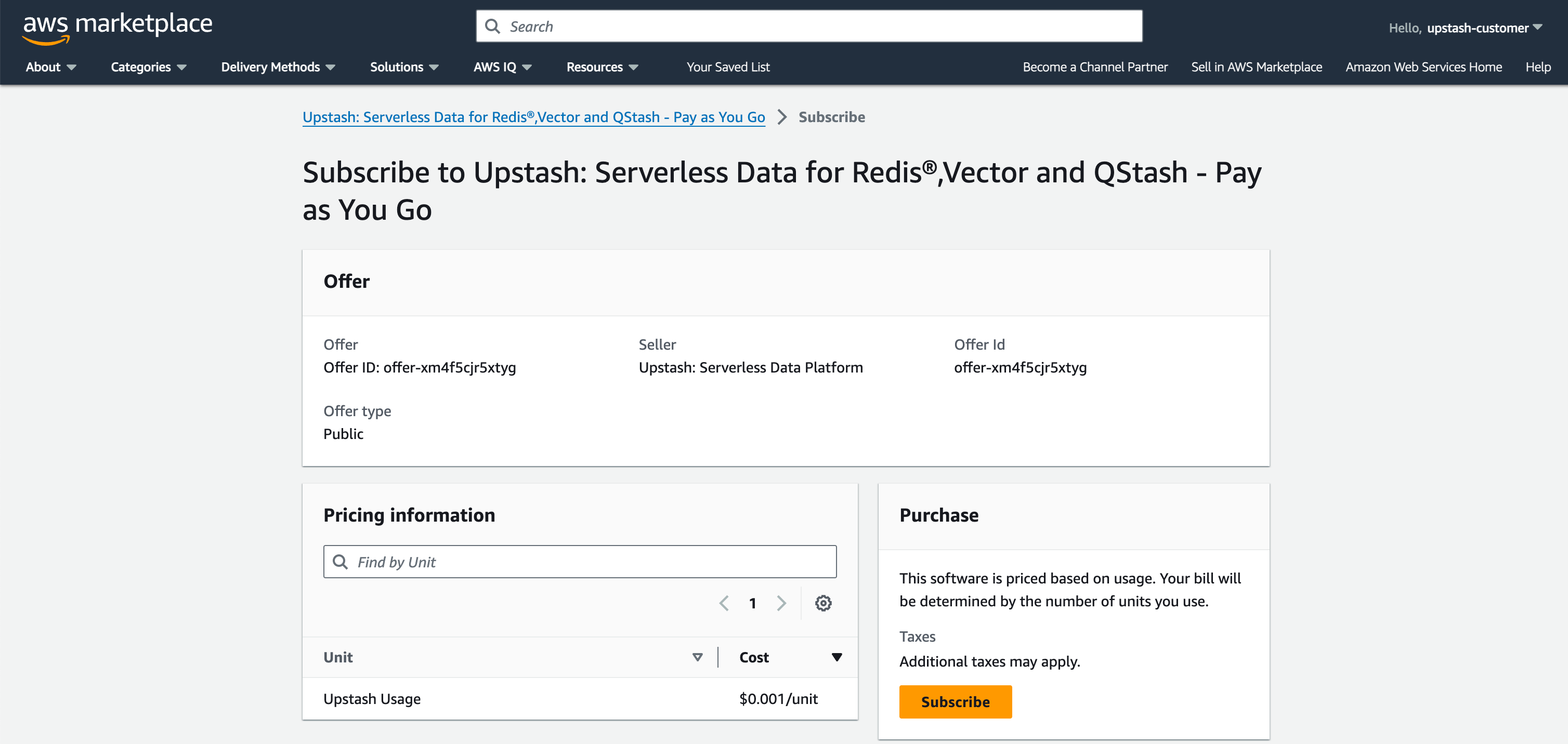 Once you click subscribe, you will be prompted to select which personal or team account you wish to link with your AWS Subscription.
 Once your account is linked, regardless of which Upstash product you use, all of your usage will be billed to your AWS Account. You can also upgrade or downgrade your subscription through Upstash console.