> ## Documentation Index
> Fetch the complete documentation index at: https://upstash.com/docs/llms.txt
> Use this file to discover all available pages before exploring further.
# Audit Logs
Audit logs give you a chronological set of activity records that have affected
your databases and Upstash account. You can see the list of all activities on a
single page. You can access your audit logs under `Account > Audit Logs` in your
console:
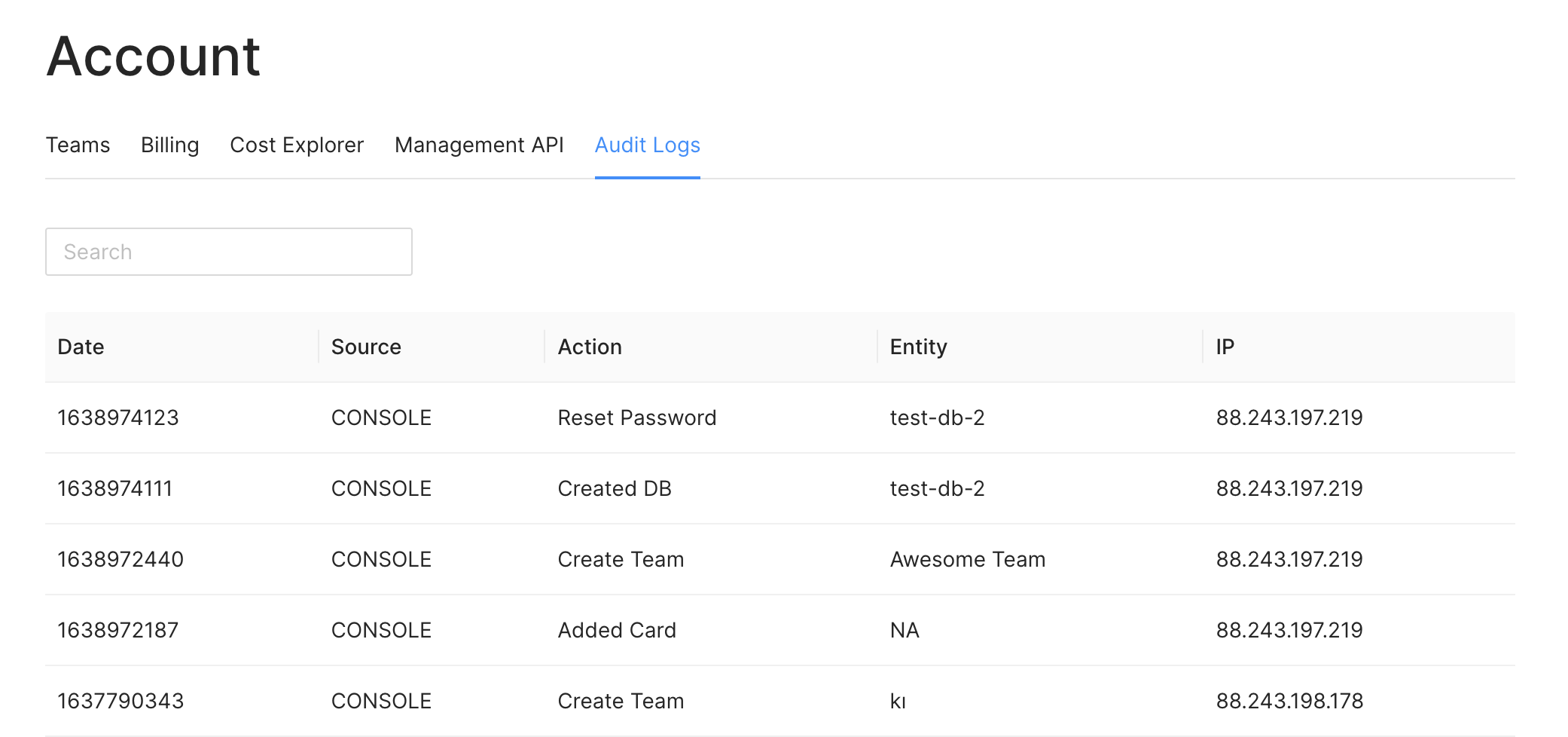 Here the `Source` column shows if the action has been called by the console or via
an API key. The `Entity` column gives you the name of the resource that has been
affected by the action. For example, when you delete a database, the name of the
database will be shown here. Also, you can see the IP address which performed the
action.
## Security
You can track your audit logs to detect any unusual activity on your account and
databases. When you suspect any security breach, you should delete the API key
related to suspicious activity and inform us by emailing
[support@upstash.com](mailto:support@upstash.com)
## Retention period
After the retention period, the audit logs are deleted. The retention period for free databases is 7 days, for pay-as-you-go databases, it is 30 days, and for the Pro tier, it is one year.
Here the `Source` column shows if the action has been called by the console or via
an API key. The `Entity` column gives you the name of the resource that has been
affected by the action. For example, when you delete a database, the name of the
database will be shown here. Also, you can see the IP address which performed the
action.
## Security
You can track your audit logs to detect any unusual activity on your account and
databases. When you suspect any security breach, you should delete the API key
related to suspicious activity and inform us by emailing
[support@upstash.com](mailto:support@upstash.com)
## Retention period
After the retention period, the audit logs are deleted. The retention period for free databases is 7 days, for pay-as-you-go databases, it is 30 days, and for the Pro tier, it is one year.